NF-e Reader

Python application for reading Electronic Invoices (NF-e) from XML files, generating Excel reports, and featuring a modern and minimalist graphical interface.

It allows extracting and analyzing information from multiple XML files simultaneously, with date and value filters, as well as automatic error logging.
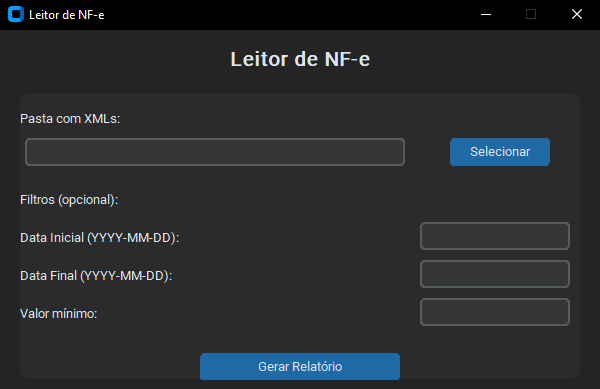
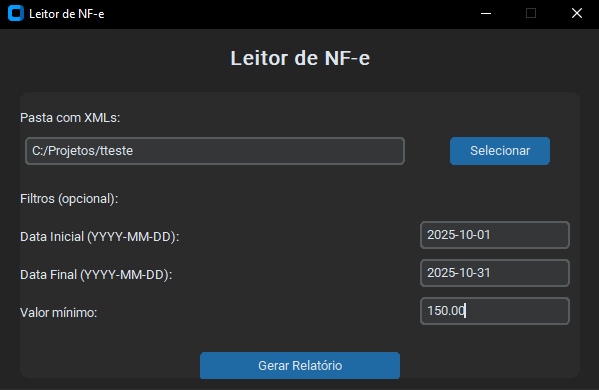
NF-e Reader - Main Interface

About the Project

NF-e Reader was developed to automate the reading of Electronic Invoices (models 55 and 65) in XML format, quickly and easily generating detailed reports in Excel spreadsheets.

The application has a simple and intuitive interface built with CustomTkinter, allowing folder selection, filter application, and formatted report generation with just a few clicks.

Main Features:

Technologies Used

Python pandas openpyxl lxml customtkinter

How to Use

  1. Download or clone the project repository.
  2. Install dependencies using:
    pip install -r requirements.txt
  3. Run the main program:
    python main.py
  4. In the interface, select the folder containing the NF-e XML files.
  5. Optionally set date and value filters if needed.
  6. Click Generate Report to create the Excel file.
  7. The report will be automatically saved in the relatorio_output folder.

Report Structure

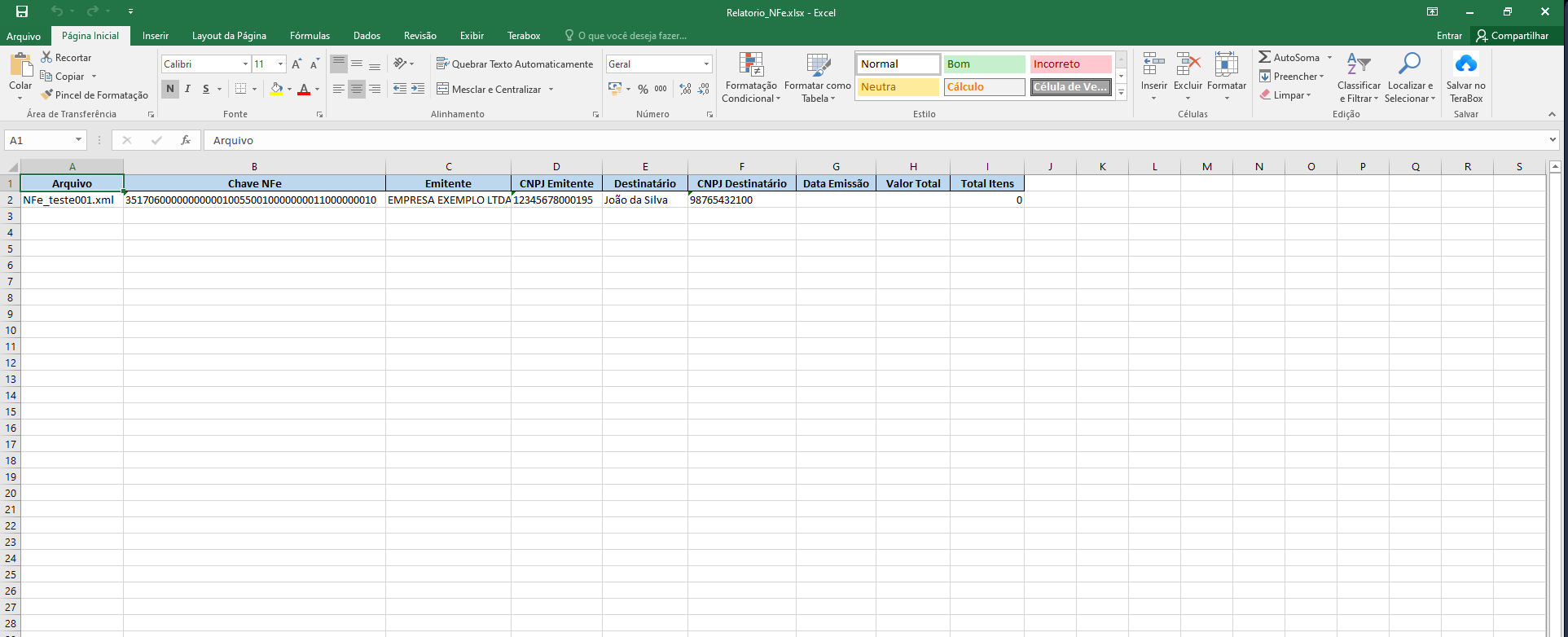
The generated report contains two main tabs:

Screenshots

Main Interface

Application Interface

Excel Report

Excel report with summary and details tabs

Date and Value Filters

Date and value filters before report generation

← Back to Portfolio